Website Usability Testing with Heatmaps: 5 Patterns to Fix First
Website usability testing with heatmaps reveals the 5 UX patterns most likely to kill conversion before users ever tell you what's wrong.
Websonic Team
Websonic
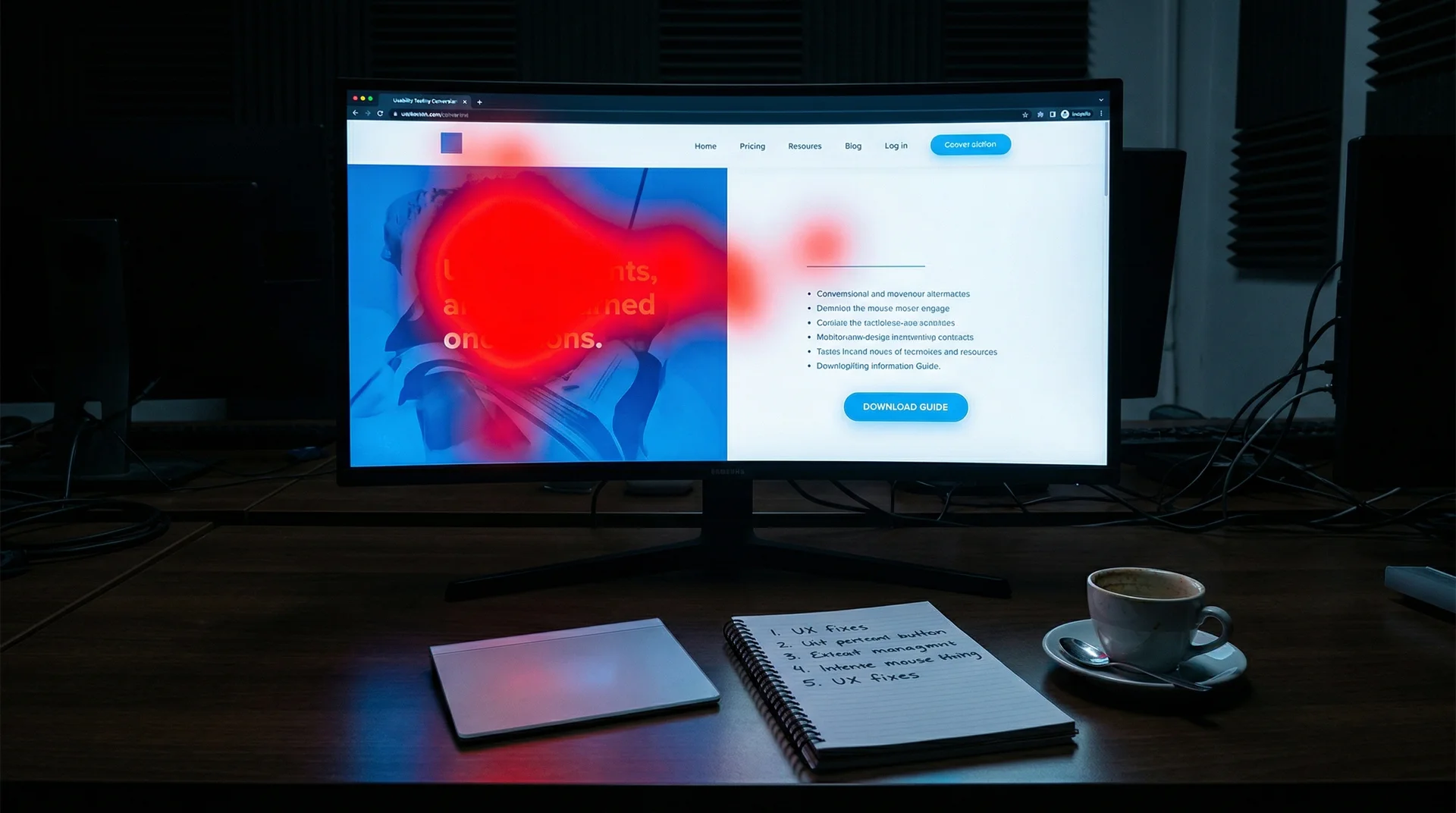
Website usability testing with heatmaps reveals the brutal truth about your site faster than most dashboards ever will. When teams review click, scroll, hover, and rage-click patterns, the same conversion-killing UX mistakes show up again and again: buried CTAs, intimidating forms, missing trust signals, confusing navigation, and slow-feeling interactions.
The good news is that these are usually not redesign-sized problems. They are website usability testing findings you can prioritize and fix in order.
Use this page fast: buried CTA · form wall · trust gap · navigation maze · loading limbo · heatmap checklist
Quick verdict: if your heatmaps show strong attention above the fold but weak CTA interaction, start with hierarchy. If users engage with forms and then disappear, shorten the ask. If you see hesitation near checkout or signup, add trust proof before you rewrite copy.
If you only have 10 minutes: fix by heatmap symptom
| Heatmap symptom | What to inspect in the next 10 minutes | First fix to ship |
|---|---|---|
| Attention clusters on the hero, but CTA clicks stay weak | Check whether the CTA is visible without scrolling on mobile and whether the copy says what happens next | Move the CTA higher and simplify the ask to one clear action |
| Users start the form, then engagement dies after field two or three | Look for optional fields presented as required, early phone number asks, and multi-column layouts | Cut fields, stack the form into one column, and delay nonessential questions |
| Hover loops or scroll-backs appear near checkout or signup | Check whether security, returns, pricing clarity, or social proof is visible at the decision point | Add trust proof beside the CTA before rewriting the page |
| Clicks scatter across menus, body text, and random images | Check whether labels reflect user language and whether the primary path is visually dominant | Reduce nav choices and sharpen hierarchy around the main path |
| Rage clicks cluster on buttons or filters | Check for slow states, missing loading feedback, or UI elements that look clickable but are not | Add loading states and fix false affordances before deeper redesign work |
Fast operator rule: read the visible symptom first, then ship the smallest fix that removes friction from the task path.
| If the pattern appears in... | That usually means... | Best next check | First fix to ship |
|---|---|---|---|
| Click heatmap | Users see the page but the next step is visually weak, buried, or competing with other elements | Check CTA placement, contrast, and copy on desktop + mobile | Move the primary CTA higher and reduce competing actions |
| Scroll heatmap | The payoff sits too low or the page asks people to work before it gives them clarity | Check where the main CTA, proof, and form first appear | Pull the value prop, proof, and CTA higher into the visible area |
| Move or hover heatmap | Users are reading, hesitating, or hunting for reassurance before they commit | Check trust proof, pricing clarity, and policy visibility near decision points | Add trust proof beside the conversion action before rewriting the whole page |
| Rage-click clusters | The interface feels broken, slow, or falsely clickable | Check loading states, disabled buttons, filters, and non-clickable UI that looks interactive | Add immediate feedback and remove false affordances |
Use this as the fast triage layer: identify the heatmap mode first, then run the smallest check that tells you whether the problem is hierarchy, friction, trust, or feedback.
Website usability testing with heatmaps: the five patterns to fix first
1. Website usability testing exposes the buried CTA
The Problem
Your primary call-to-action sits below the fold on mobile, and most visitors never scroll far enough to see it.
The data is unambiguous. Nielsen Norman Group's eye-tracking study of 57,453 fixations found that content above the fold gets seen 102% more than content immediately below it. Google's "Importance of Being Seen" study revealed above-fold ads and CTAs have a 73% visibility rate compared to just 44% below the fold—a 66% decline.
Yet 30% of small business B2B websites still have no CTA on their homepage at all.
What your heatmap shows: Hot clicks on secondary navigation, footer links, or random page elements—but minimal interaction with your actual conversion button because users never find it. If you need the broader category view beyond heatmaps, pair this pattern with our guide to website usability testing and our breakdown of automated website testing.
The conversion impact: CTAs placed above the fold perform 304% better than those below the fold according to recent CTA research. That's not a marginal gain. That's the difference between a conversion rate that sustains your business and one that kills it.
Data: CTA performance research, Google's "Importance of Being Seen" study, and Nielsen Norman Group eye-tracking research.
The Fix
Place your primary CTA above the fold on all devices. This doesn't mean cramming it into the header. It means ensuring that without scrolling, a visitor can see what action you want them to take.
On mobile, this is even more critical. Mobile users scroll differently than desktop users—they're more task-oriented and less patient. If your CTA requires scrolling on a phone, you're losing mobile conversions.
Test this: Open your site on your phone. Can you see your primary CTA without scrolling? If not, move it up.
Advanced tactic: The "best of both worlds" placement is 600–1000 pixels down the page—high enough to be seen quickly, low enough to catch users after they've absorbed your value proposition. But never bury it below content that doesn't serve immediate motivation.
Exception: You can place CTAs below the fold only when the preceding content is so compelling that users are motivated to scroll. Marketing Experiments found below-fold CTAs can increase conversions by 20%—but only when paired with genuinely persuasive content that answers user questions.
2. Website usability testing finds the form wall fast
The Problem
You're asking for too much information upfront, creating a psychological barrier that triggers immediate abandonment.
Form abandonment is epidemic. According to The Manifest's research, 81% of people have abandoned a form after beginning to fill it out. The average form abandonment time is just 1 minute and 43 seconds—users decide quickly whether your form is worth completing.
The primary culprits:
- 27% abandon due to form length—too many fields feel like work
- 29% abandon due to security concerns—asking for sensitive data without establishing trust
- 37% will abandon if you require a phone number unless the field is optional
What your heatmap shows: Users click into the first field, then exit. Or they complete two fields and stop. The pattern is clear: engagement starts, then dies when the scope becomes apparent. If you need to watch the exact hesitation and retry behavior behind that drop-off, pair this section with our guide to session recording analysis.
The conversion impact: Reducing form fields from 11 to 4 can generate 120% more conversions according to Unbounce research. Even removing a single field can significantly impact conversion rates. The password field has the highest abandonment rate (10.5%), followed by email (6.4%) and phone number (6.3%).
Data: The Manifest, Unbounce, and Baymard Institute research on form abandonment patterns.
The Fix
Use progressive disclosure. Ask for email first. Capture the lead. Then request additional information in follow-up steps or communications.
The 3-field rule: Research consistently shows that three fields is the sweet spot for form conversion. HubSpot found that limiting forms to three fields slashes abandonment rates. If you need more information, break it into multi-step forms—Formstack's research shows multi-page forms have higher completion rates than single-page equivalents.
Specific fixes based on data:
- Make phone numbers optional—doing this nearly doubles completions
- Remove CAPTCHA—it's proven to increase abandonment
- Use single-column layouts—users complete them 15.4 seconds faster than multi-column forms
- Place labels above fields rather than beside them—this improves completion efficiency
Inline validation matters: Forms with inline validation see a 22% decrease in errors and 42% faster completion times. Users also report 31% higher satisfaction. Small UX improvements compound into significant conversion gains.
3. The Trust Gap
The Problem
Users reach your checkout or signup form and hesitate because they don't see signals that their information will be safe—or that you'll deliver what you promise.
Trust signals aren't decorations. They're conversion requirements. BrightLocal found that 84% of consumers trust online reviews as much as personal recommendations. Baymard Institute research shows 12% of users abandon checkout forms specifically due to missing trust badges.
What your heatmap shows: Users hover near purchase buttons but don't click. They scroll back up to look for security information. They click on "About" or "Contact" pages during checkout—desperately seeking reassurance before committing.
The conversion impact: Adding trust badges to forms increased conversions by 16% in Zuko's research. Social proof under landing page CTAs increased conversion rates by 68.02%. These aren't marginal improvements—they're fundamental to conversion.
Data: BrightLocal consumer review survey, Zuko conversion research, Baymard Institute checkout studies.
The Fix
Place trust signals near conversion points. Payment badges, refund policies, and testimonials should be visible where users make decisions—not buried in footer links.
Specific implementations:
- Display security badges (SSL certificates, payment processor logos) directly beside checkout buttons
- Show refund policy summaries near purchase CTAs—McKinsey found 86% of consumers agree lenient returns policies are critical to revenue
- Include star ratings or testimonial snippets adjacent to signup forms
- For high-consideration purchases, add "As seen in" media logos above the fold
The returns policy insight: BlackMilkClothing's transparent 60-day returns policy displayed prominently in their header is a conversion optimization case study. With 62.58% of customers expecting up to 30 days for returns, making this visible early addresses objections before they become abandonment reasons.
Trust is contextual: What builds trust for a $29 SaaS signup differs from a $2,000 enterprise purchase. Match your trust signals to your price point and audience sophistication.
4. The Navigation Maze
The Problem
Users can't find what they're looking for. Your navigation structure reflects your org chart, not user mental models.
Heatmaps expose navigation failures clearly: users click multiple menu items in sequence, backtrack, or click non-clickable elements expecting them to be links. This "pogo-sticking" behavior indicates findability problems.
Nielsen Norman Group's research confirms what heatmaps show: users scan rather than read, and they rely on navigation cues to orient themselves. When those cues don't match their expectations, confusion follows.
What your heatmap shows: Scattered clicks across navigation elements. Repeated clicks on the same menu area. Clicks on body text or images expecting them to be links. High engagement with search boxes—always a sign that navigation is failing.
The conversion impact: Poor navigation creates friction that compounds. Users who can't find what they want quickly don't convert. Google found it takes just 50 milliseconds for users to form aesthetic judgments about websites—navigation clarity plays a major role in those snap decisions.
The Fix
Persistent navigation with clear labels. Users should never wonder how to reach key pages.
Specific recommendations:
- Limit top-level navigation to 5-7 items—cognitive load research supports this constraint
- Use descriptive labels, not branded terminology—users scan for familiar words
- Implement sticky headers so navigation is always accessible
- Add visual hierarchy—primary actions should be visually distinct from secondary links
- Include a search function, but treat search usage as a navigation failure signal that needs addressing
Mobile considerations: Mobile navigation requires special attention. Users complete onboarding forms at only 35.33% on mobile versus 50.8% on desktop. Simplify mobile navigation further—use tappable accordion sections and ensure touch targets are appropriately sized.
The sorting insight: Convertcart's research suggests giving users two clear sorting options above the fold can increase engagement. Options like "limited drop" versus "low stock" target different motivations (exclusivity versus scarcity) without overwhelming with choice.
5. The Loading Limbo
The Problem
Users perform actions and receive no feedback. Buttons appear unresponsive. Pages hang. Actions feel uncertain.
Speed is a conversion factor that operates below conscious perception. Portent's research found that the first five seconds of page-load time have the highest impact on conversion rates. Each additional second of load time drops conversion rates by an average of 4.42%.
But the problem isn't just initial page load—it's feedback during interactions. When users click and nothing happens immediately, they assume failure. They click again (creating rage clicks). Or they abandon.
What your heatmap shows: Rage clicks—repeated clicks on the same element in rapid succession. This is frustration made visible. Forrester Research indicates 67% of cart abandonment occurs due to undetected UI friction that traditional analytics miss.
The conversion impact: eCommerce sites loading within 1 second bring in 2.5 to 5 times more conversions than those loading in 5 to 10 seconds. The difference between a fast site and a slow one isn't incremental—it's existential.
Data: Portent site speed study, Forrester Research. Mobile conversion gap is largely speed-related.
The Fix
Progress indicators and skeleton screens. Every action should provide immediate feedback.
Implementation priorities:
- Button loading states—when clicked, buttons should show activity (spinners, text changes)
- Skeleton screens for content loading—show content structure immediately, fill in data as it arrives
- Progress bars for multi-step processes—users complete more steps when they can see progress
- Optimistic UI updates—show the expected result immediately, correct if the server disagrees
Speed targets:
- 0–4 seconds total page load time for eCommerce
- Sub-100ms feedback for button clicks
- First Contentful Paint under 1.8 seconds
The mobile speed gap: Mobile conversion rates average 1.53% versus 4.14% on desktop. Much of this gap is speed-related. Mobile networks are slower, devices are less powerful, and mobile users are less patient. Mobile-first optimization isn't a preference—it's a conversion requirement. If you want a deeper diagnostic companion for these hesitation signals, read our guide to session recording analysis and our post on form UX testing.
Website usability testing heatmap checklist: how to read the patterns
Different heatmap types reveal different problems:
Click heatmaps show you:
- Which CTAs are actually being seen and clicked
- Where users expect clickable elements that don't exist
- Which navigation items draw attention versus those that are ignored
Scroll heatmaps show you:
- How far users actually scroll (most don't reach the bottom)
- Where attention drops off
- Whether your CTA is in the viewed area
Move heatmaps show you:
- Where users hover, indicating reading patterns
- Areas of confusion where users hesitate
- Content that draws attention versus content that's skipped
Rage click detection (available in advanced tools) shows you:
- Elements that appear clickable but aren't
- Buttons that aren't responding properly
- Areas of user frustration that need immediate attention
FAQ: website usability testing with heatmaps
What do heatmaps actually show in website usability testing?
Heatmaps show where users click, scroll, hover, and hesitate. In website usability testing, they help teams spot repeatable friction like buried calls to action, form abandonment patterns, confusing navigation, and rage clicks that signal broken expectations.
Are heatmaps enough on their own?
No. Heatmaps are strong directional evidence, but they do not fully explain motivation or trust. Use them to find patterns fast, then combine them with session recordings, analytics, and manual website usability testing when you need to understand why users hesitated.
Which heatmap pattern should I fix first?
Fix the pattern that blocks task completion first. In most cases that means buried CTAs, form friction, or missing trust signals near the conversion point. Navigation and speed problems still matter, but they usually compound after the core path is already weak.
Sources
- Nielsen Norman Group, Scrolling and Attention
- Google and Ipsos, The Importance of Being Seen
- The Manifest, Online Form Abandonment Statistics
- Unbounce, The Landing Page Conversion Benchmark Report
- Baymard Institute, Checkout UX and Form Usability Research
- Portent, Site Speed and Conversion Rate Study
The Compound Effect
Each of these five patterns doesn't just hurt conversions in isolation—they compound. A buried CTA combined with a form wall creates a conversion funnel that feels like work. Add navigation confusion and loading delays, and users don't just fail to convert—they leave with a negative brand impression.
The reverse is also true. Fixing these patterns compounds positively. An above-fold CTA with a three-field form, clear navigation, and fast feedback creates a user experience that feels effortless. Effortless experiences convert.
Related guides: For a broader view on UX testing approaches, see our comparison of website usability testing: manual vs AI. For form-specific diagnostics, read our guide on form UX testing and abandonment fixes.
How UX Tester Spots These Patterns
Drop your URL into UX Tester and you'll get screenshot evidence of every pattern identified above:
- Visibility scoring for CTAs—are they actually seen?
- Form field analysis—which fields are causing abandonment?
- Trust signal detection—are security elements present and visible?
- Navigation clarity assessment—can users find key pages?
- Speed metrics—where are the loading bottlenecks?
Each issue is severity-scored and fix-prioritized based on conversion impact. You get a roadmap of what to fix first, second, and third—not a generic "improve UX" recommendation.
Try UX Tester free — Get heatmap-based analysis of your site's conversion blockers in minutes.
Related Articles
UX Testing Tool: How to Choose the Right One in 2026
A UX testing tool should help you catch usability issues before launch. Here is how to compare manual, behavior, and AI-first options in 2026.
Website Feedback Tool: What to Look For Before You Buy
A website feedback tool should capture why users hesitate, not just where they click. Here’s how to choose one that improves UX and conversion.
Website Usability Testing: Manual vs AI
Website usability testing works best when manual research and AI testing cover different kinds of friction before users bounce.
Ready to test your UX?
Websonic runs automated UX audits and finds usability issues before your users do.
Try Websonic free