Maze Alternative: When the Question Is Friction, Not Recruiting
Maze is useful for prototype testing. Automated live-site audits are different: they find where shipped pages catch users, with screenshots and fixes.
Websonic Team
Websonic
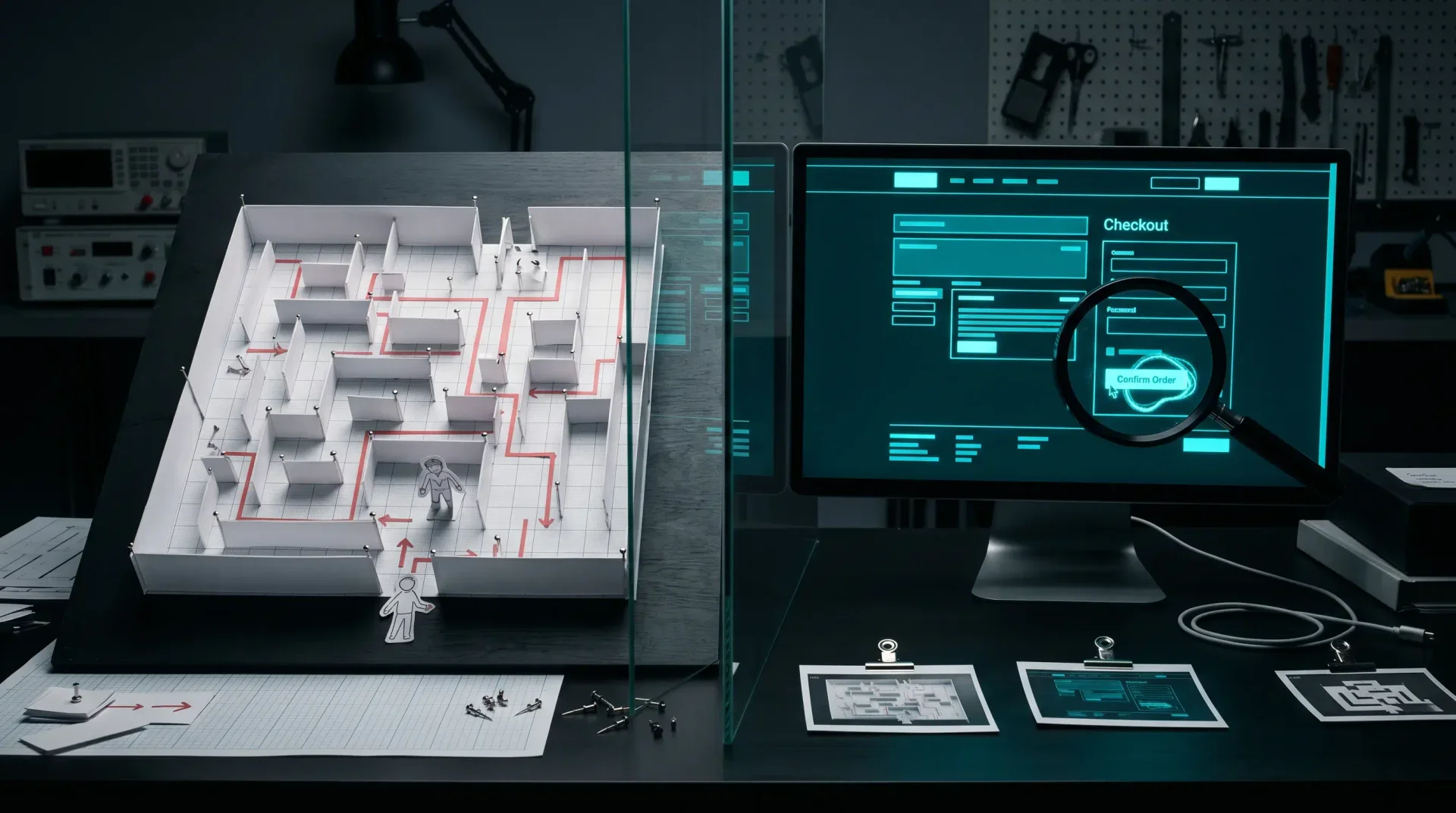
Maze earns its place when the object of study is still a prototype. You have a Figma flow, a product idea, or a set of variants. You want to know whether people understand the design before engineering commits to the build. That is a good question. It is also not the only question teams ask when they search for a Maze alternative.
Many teams are not blocked on recruiting. They are blocked on the live page. The pricing page already shipped. The signup form already exists. The mobile hero already changed three times this month. The question is no longer, "Will users understand this prototype?" The question is, "Where is the shipped site catching them today?"
That job needs a different tool. Prototype testing is about validating a design before it becomes code. Automated audits are about inspecting the thing users can already touch: links, forms, CTAs, contrast, layout, mobile paths, dead ends, and the small visual failures that analytics can only report after the damage is done.
For surrounding context, the sister post on the UserTesting alternative for automated audits covers panel-recruiting tradeoffs, the automated website testing guide explains the release workflow, and the best UX testing tools in 2026 maps where Websonic fits beside research platforms, replay tools, and QA stacks.
The job is different
The cleanest way to compare Maze and Websonic is not by feature count. It is by the artifact each tool is built to inspect.
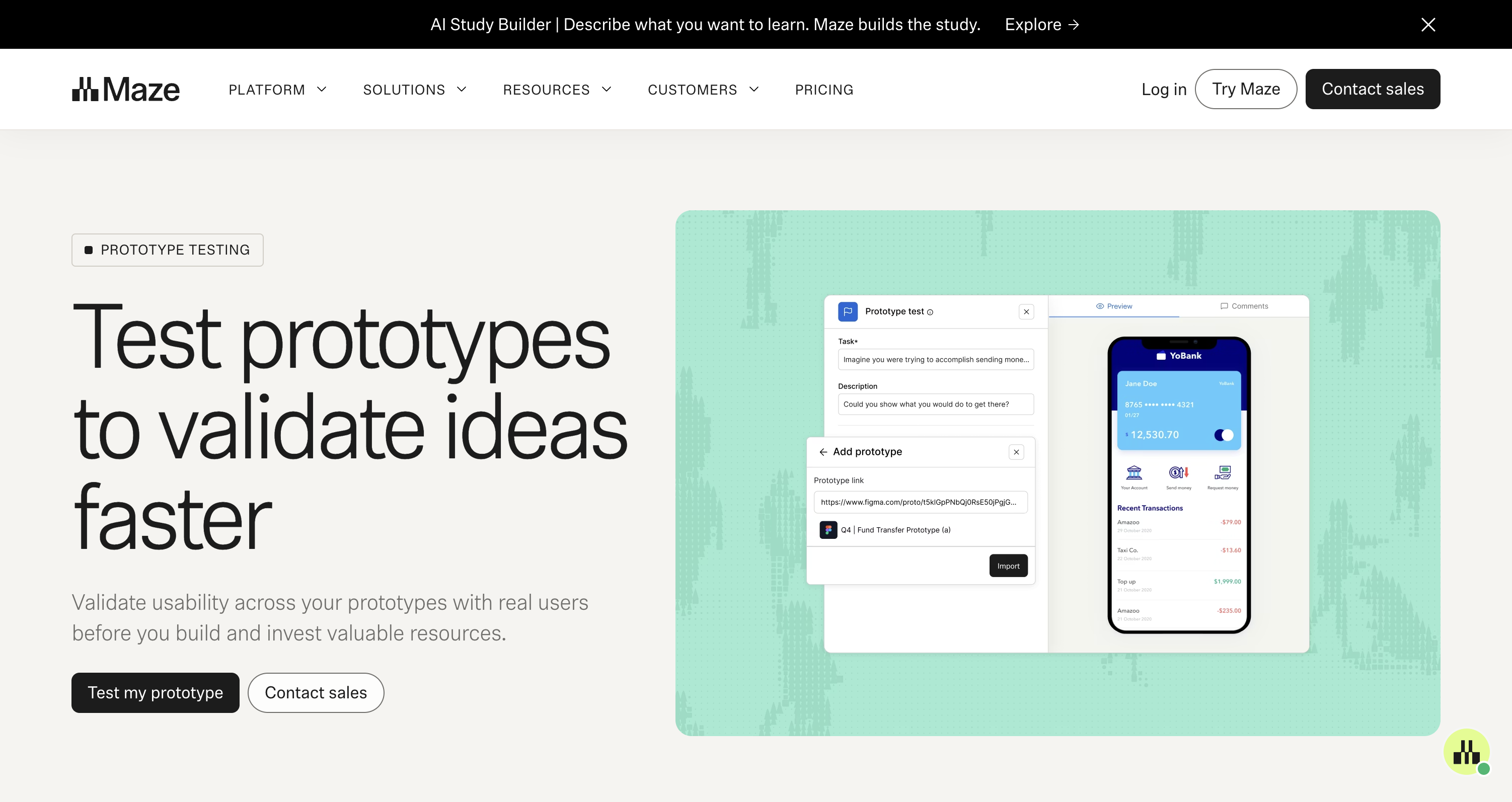
Maze starts from a research artifact: a prototype, a study, a task, a respondent path, a report. Its prototype-testing page describes the job plainly: validate usability across prototypes with real users before building. That is upstream work. The team is still deciding whether the path makes sense, whether the copy sets the right expectation, whether the product idea survives first contact with a participant.
Websonic starts from a shipped artifact: a URL. The page may be production, staging, or localhost, but it is already a site. The audit is not asking someone to imagine a future build. It is crawling the interface that exists, capturing screenshot evidence, scoring the issue, and giving the builder a fix.
That distinction matters because "alternative" pages often flatten the category into one buying decision. Do you want Maze or a competitor. But the more useful question is narrower: what state is your product in when you open the tool?
If the answer is "a prototype we have not built," Maze belongs in the conversation. If the answer is "a live page with drop-off, a release gate, or a founder demo tomorrow," an automated audit is the closer fit. The input is different. The evidence is different. The next action is different.
Prototype tests answer understanding
Prototype tests are useful because they expose expectation gaps early. A participant tries to complete a task in a design that has not become software yet. The team watches where the participant goes, where they misclick, how long they spend, and whether the task feels natural enough to keep.
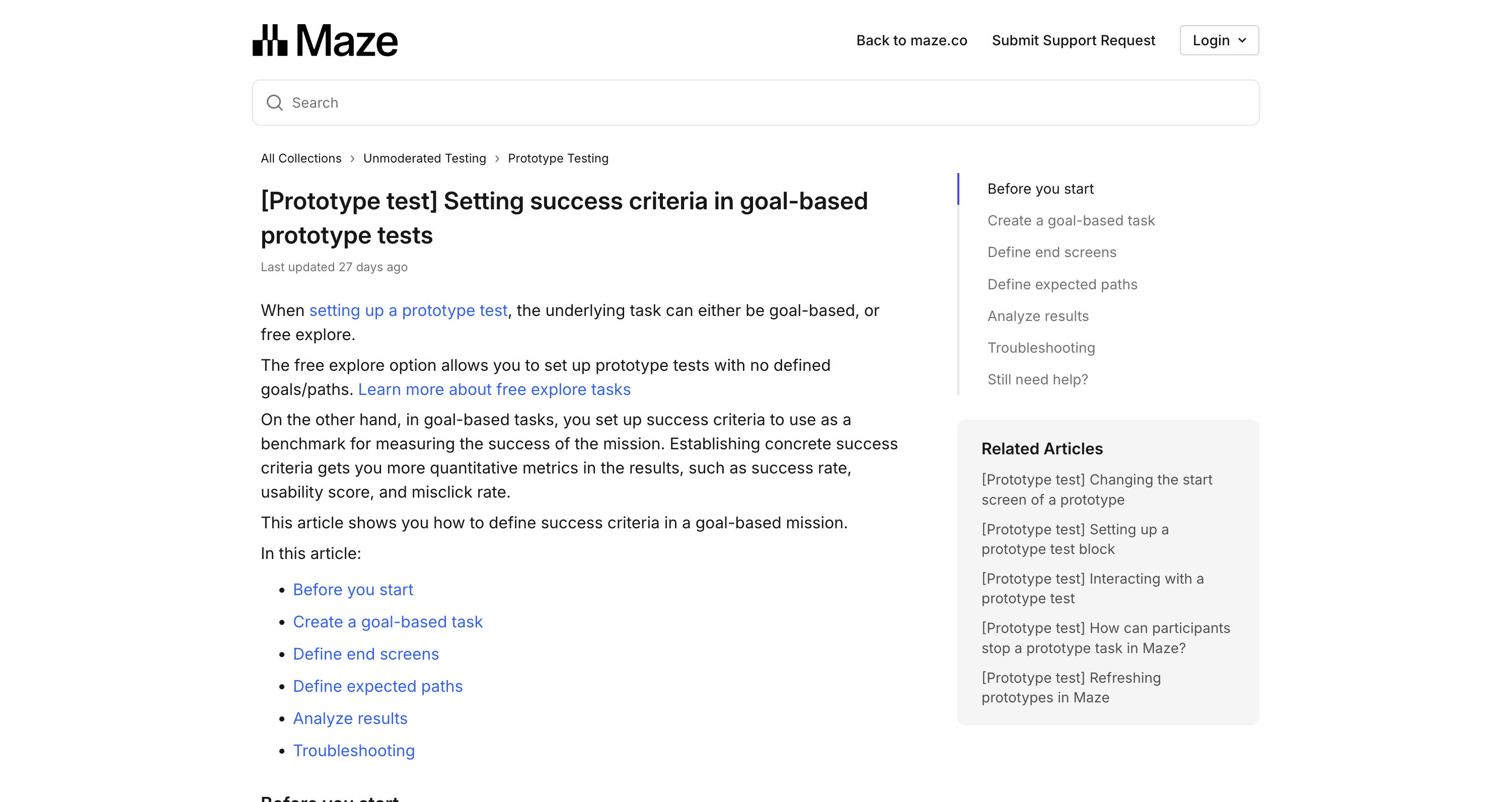
Maze's own help documentation frames goal-based prototype tests around success criteria. Teams define end screens and expected paths, then use those criteria as a benchmark for mission success. The result can include quantitative metrics such as success rate, usability score, and misclick rate.
That is valuable because a prototype has a special weakness: it can look finished while still being structurally wrong. The button can be beautiful and still point to the wrong mental model. The navigation can look polished and still hide the thing users came to find. A prototype test catches that before engineering has to unwind it.
But the test also has a boundary. A prototype cannot reveal every production problem because it is not the production surface. It does not carry the same content volume, browser constraints, third-party embeds, marketing experiments, CMS drift, form validation, or mobile breakpoints. The prototype answers whether the design concept makes sense. The live site answers whether the implementation still holds together.
Live audits answer catch points
Automated live-site audits begin after the product has become real enough to break in real ways. The issue may not be strategic. It may be painfully mechanical.
The CTA is below the fold on a 390px viewport. The modal traps the keyboard. The pricing card has three primary buttons. The newsletter form accepts input but gives no visible success state. The hero image pushes the only action out of view. The checkout page works in a happy-path test, but the error state is unreadable on mobile.
These are not questions a prototype panel needs to answer. They are visible defects and release risks. A crawler can navigate, screenshot, compare, and report them without asking five participants to spend their lunch break on a page your team could have inspected before shipping.
That does not make research less important. It makes the division of labor sharper. Let prototype tests handle comprehension before the build. Let automated audits handle shipped friction after the build. When the live page is the problem, the audit should return evidence a developer can use without translating a research summary into a bug report.
The useful output is not "users may be confused." It is: page, viewport, element, screenshot, severity, reproduction path, and fix. That format moves from report to issue tracker cleanly. It changes the next ten minutes.
Recruiting is not the only delay
The UserTesting alternative post focuses on deadlines because panels introduce logistics: sourcing participants, screening, scheduling, incentives, no-shows, analysis, and readout. Maze can reduce parts of that work for unmoderated studies, especially when the team has a prototype and a clear task.
But a Maze alternative search often hides a second delay: the delay between a known live-site problem and a fixable finding. Teams stare at the dashboard and know something is wrong. Conversion dipped. Trial starts weakened. Mobile visitors bounce. The team does not need a broader research program yet. It needs the top path walked, photographed, and scored.
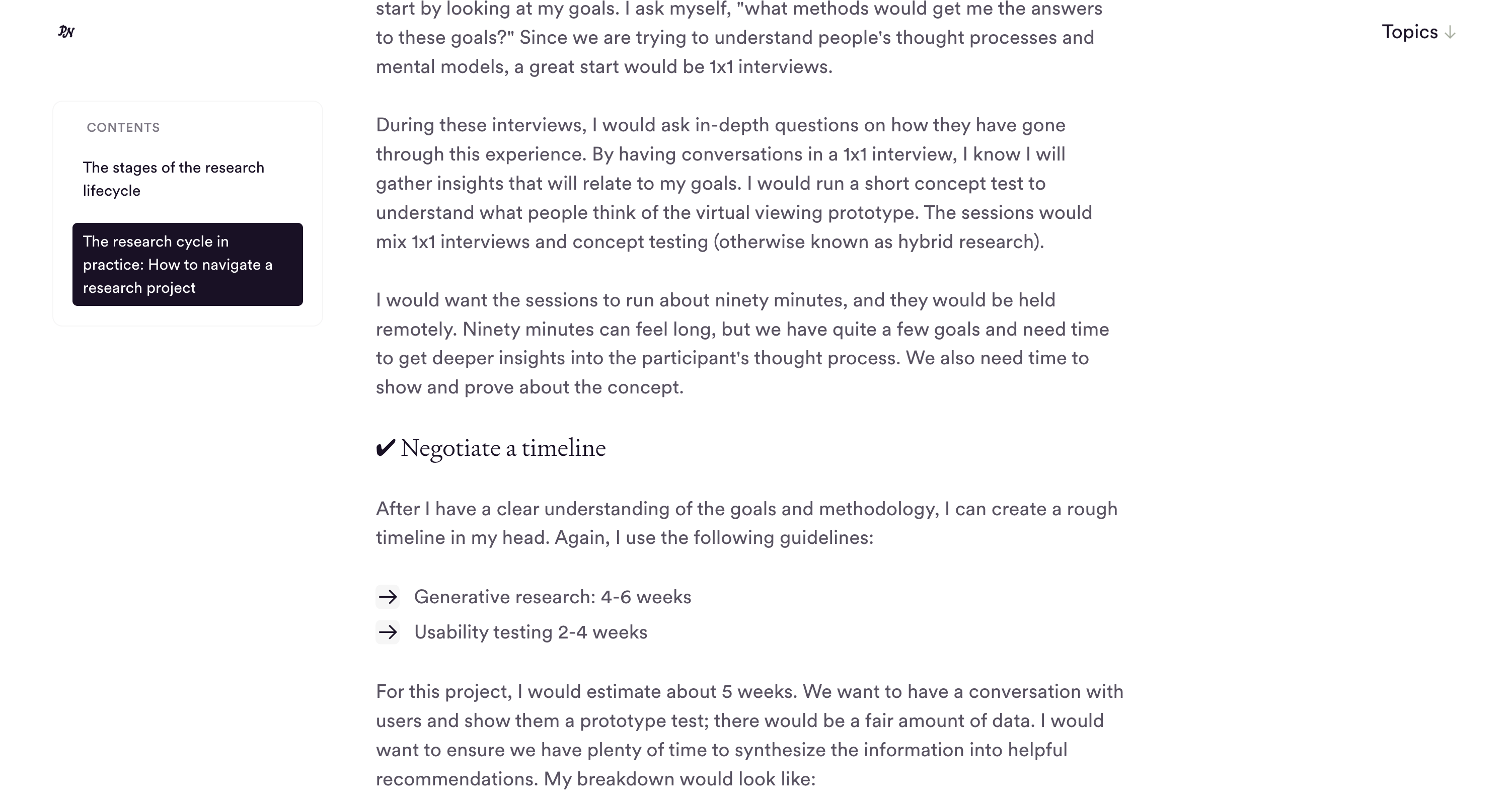
dscout's research project management guidance gives a useful reminder of the planning overhead around traditional research timelines. It lists usability testing as a two-to-four-week activity and breaks a sample project into preparation, recruitment, interviews, and analysis. That cadence can be appropriate when the question is deep enough to deserve it.
It is the wrong cadence for a broken signup flow. If the issue is visible on the page, waiting for a study can turn a simple fix into a week of lost signups. The right first step is an audit pass across the live journey. Then, if the page still underperforms after visible defects are fixed, a human study can investigate trust, motivation, and buyer psychology.
The five-user rule still has a place
Nielsen Norman Group's classic guidance argues that testing with five users often finds most usability problems in a qualitative round. That idea still matters. Small human tests are one of the best ways to hear confusion in the user's own words and watch expectation break in real time.
The mistake is treating that rule as permission to send every issue through participant research. If a button has poor contrast, you do not need five users to confirm the contrast is poor. If a form field has no label, you do not need a participant to prove the label is missing. If the mobile layout overlaps, the screenshot is already enough evidence.
Human sessions are best saved for the problems that need interpretation: why the pricing promise feels risky, why the buyer does not trust the proof, why the onboarding metaphor does not land, why a feature name causes hesitation. Automated audits are better for the repeatable defects that need coverage, not interpretation.
This is where a lean team can combine the methods without pretending one replaces the other. Run automated audits on every meaningful release. Use Maze or another prototype-testing platform when the team is still validating a design path. Use human sessions when the remaining question is about meaning, motivation, or trust.

A practical comparison scorecard
Use Maze when the research object is a prototype, the team needs respondent behavior, and the output should inform design direction before code is written. Good Maze questions sound like: can users complete this proposed onboarding path, which concept variant creates less hesitation, where do people misclick in the Figma flow, and which navigation label matches the user's expectation.
Use automated live-site audits when the research object is a URL, the team needs coverage now, and the output should become a fix. Good Websonic questions sound like: is the signup CTA visible on mobile, does the pricing path create a dead end, is the form recoverable after an error, are the important buttons readable, and which page should engineering fix first.
There is overlap at the edges. Maze also supports live website testing, and Websonic can inspect staging before a release. But the center of gravity is still different. Maze is research infrastructure for studies. Websonic is an audit pass for shipped UX defects.
That distinction keeps teams from buying the wrong certainty. A prototype test can tell you that a design direction is easier to understand than another. It cannot guarantee the production page will keep its hierarchy after the CMS, analytics scripts, cookie banner, responsive CSS, and launch-week copy changes arrive. A live audit can tell you the page is currently catching users. It cannot replace the human judgment needed to decide which promise the product should make.
The buying move is simple: run the tool against the artifact you actually have. If the artifact is a prototype, test the prototype. If the artifact is the live site, audit the live site. If both exist, do both in sequence: validate the path before build, then inspect the implementation before users find the defects for you.
Where Websonic fits
Websonic is the Maze alternative for the moment after the design becomes a site. It does not try to recruit a panel, host a study, or synthesize participant sentiment. It crawls the page, captures what it saw, scores the issue, and gives the builder a fix.
That is a narrow promise. It is also the promise many teams need when they search for an alternative and realize the real problem is not recruiting. The real problem is that the live site has become too familiar to inspect with fresh eyes.
Run Maze when you need to know whether people understand the prototype. Run Websonic when you need to know where the shipped page is catching them.
That is the split. Prototype tests protect the build decision. Automated audits protect the shipped path.
Related Articles
UserTesting Alternative: When You Need an Audit Before the Meeting
Human panels are useful. Automated audits are different. Use this when you need findings, screenshots, and fixes before a demo or client review.
UX Testing Tool: How to Choose the Right One in 2026
A UX testing tool should help you catch usability issues before launch. Here is how to compare manual, behavior, and AI-first options in 2026.
Website Usability Testing: Manual vs AI
Website usability testing works best when manual research and AI testing cover different kinds of friction before users bounce.
Ready to test your UX?
Websonic runs automated UX audits and finds usability issues before your users do.
Try Websonic free